Top 10 Best Video Editing AI Tools for Content Creators in 2024
Discover the most powerful AI video editing tools designed to help content creators produce high-quality videos faster and easier. From automatic editing to voice cloning, these tools are transforming digital storytelling.

Introduction
Video content is king in today's digital era — and AI is the secret weapon powering next-level content creation. Whether you're a YouTuber, social media influencer, or marketing pro, these top 10 AI video editing tools can save you hours of work while boosting your creative output.
Top 10 Best AI Video Editing Tools for Content Creators
1. Runway ML
AI-powered video magic for creators and pros
- Key Features
- Text-to-video and video-to-video tools
- Background removal with Green Screen AI
- Inpainting and object erasing
- Motion tracking and editing

2. Descript
All-in-one video & podcast editor with AI magic
- Key Features
- Edit video by editing text
- AI voice cloning (Overdub)
- Screen recording and transcription
- Filler word removal and studio sound enhancement
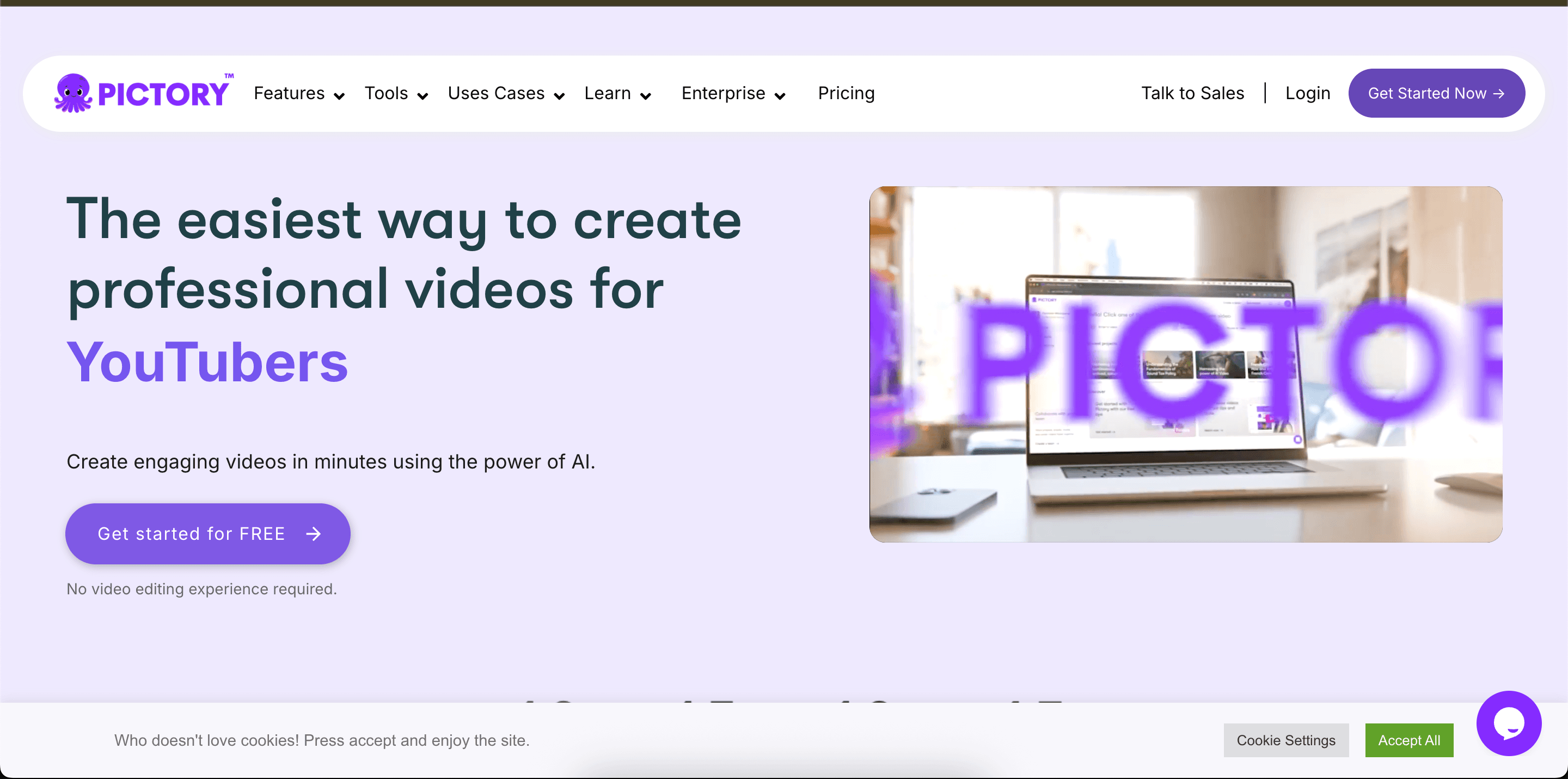
3. Pictory
Turn scripts and blog posts into engaging videos
- Key Features
- Script-to-video automation
- AI voiceovers and subtitle generation
- Video summarization
- Large library of visuals and music
4. Synthesia
Create videos from text with realistic AI avatars
- Key Features
- 140+ AI avatars with voice syncing
- Multi-language support
- Custom avatars and templates
- Brand kit and video export options
5. Magisto
Smart video editor for quick social media content
- Key Features
- AI-driven video editing from raw footage
- Automated music, effects, and transitions
- Social sharing tools
- Mobile app support
6. Wisecut
Automated video editing for vloggers and educators
- Key Features
- Auto subtitles and translations
- Background music ducking
- Filler word removal
- Voice recognition and cut automation
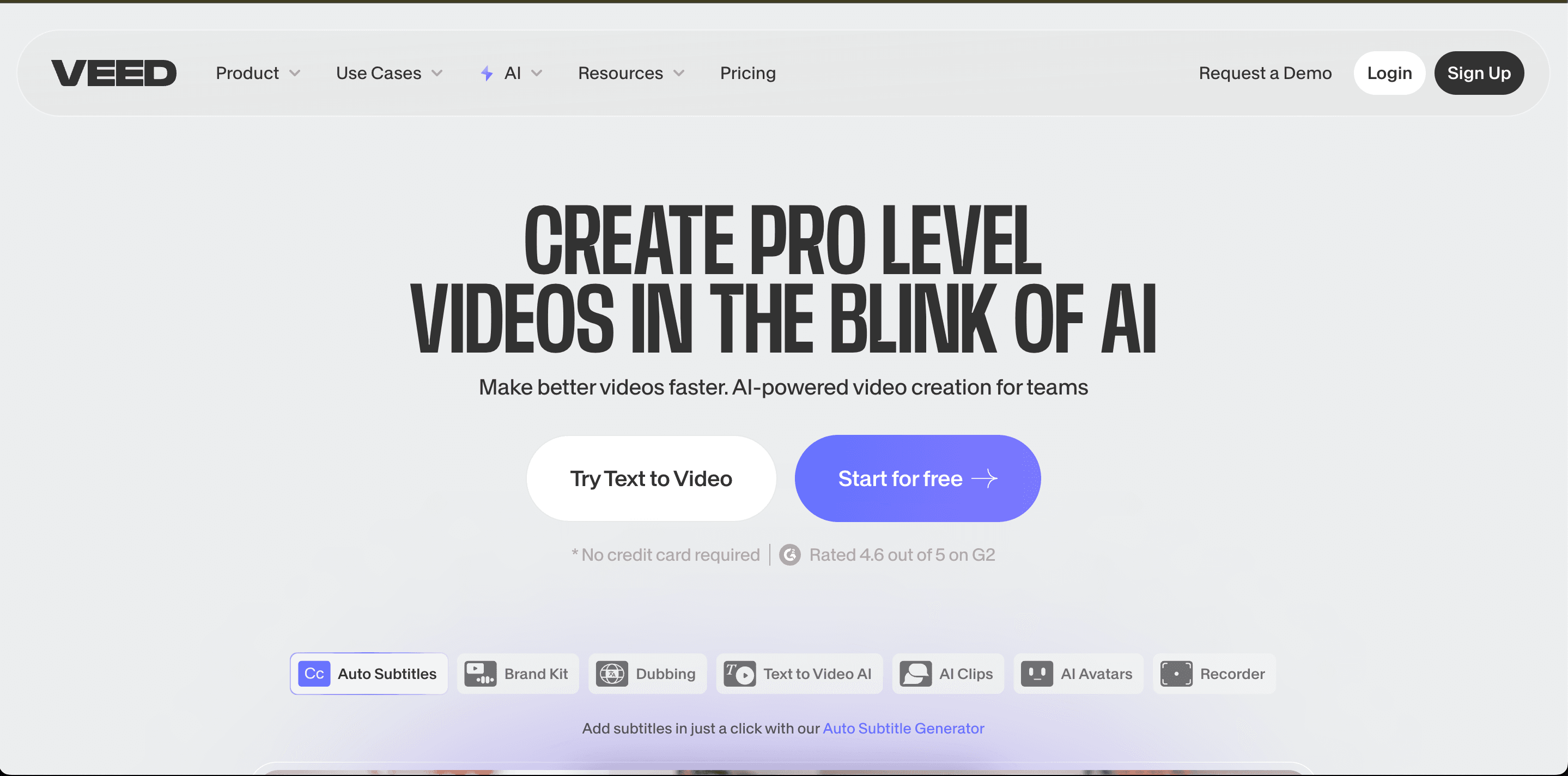
7. Veed.io
Simple, powerful online video editor with AI features
- Key Features
- Auto subtitles and translations
- Background remover
- Text-to-speech and transcription
- Templates and timeline editing
8. Lumen5
Transform blog posts into videos with AI
- Key Features
- AI-driven storyboard creation
- Text summarization to video
- Media library and drag-and-drop editor
- Brand customization
9. Kamua
Auto-edit videos for multiple formats and platforms
- Key Features
- Auto-crop for social media sizes
- Subtitle auto-generation
- Timeline editor in the cloud
- No software download required
10. Adobe Premiere Pro with Sensei
Pro-grade editing with built-in Adobe AI (Sensei)
- Key Features
- Auto reframe for social media
- Scene edit detection
- AI color matching
- Speech-to-text transcription
Comparison Table
| Tool | Best For | Pricing | Ease of Use |
|---|---|---|---|
| Runway ML | Creative edits & effects | Free/Paid | ★★★★☆ |
| Descript | Podcast & talking-head videos | Free/Paid | ★★★★★ |
| Pictory | Script-based content | Paid | ★★★★☆ |
| Synthesia | AI avatar videos | Paid | ★★★★☆ |
| Magisto | Social media clips | Free/Paid | ★★★☆☆ |
| Wisecut | Vlogs & courses | Free/Paid | ★★★★☆ |
| Veed.io | General editing | Free/Paid | ★★★★★ |
| Lumen5 | Blog-to-video | Free/Paid | ★★★★☆ |
| Kamua | Auto-formatting | Free/Paid | ★★★★☆ |
| Premiere Pro + Sensei | Professional editing | Paid | ★★★★☆ |
Conclusion
AI video editing tools are empowering creators to do more with less time and effort. Whether you're aiming for polished YouTube content, TikTok virality, or professional corporate videos, there's a tool here that can fit your needs and workflow. These platforms not only speed up production but unlock new creative possibilities you never imagined.
Features
-
Time-Saving Automation
Many of these tools use AI to remove repetitive tasks like trimming, subtitling, and cropping — freeing you up to focus on storytelling. -
Creative Expansion
Tools like Runway and Synthesia let creators explore previously difficult effects, from text-to-video to avatar generation. -
High Accessibility
With intuitive UIs and browser-based options, these tools are designed for creators at every level — no pro studio required. -
Platform-Friendly Outputs
From Instagram reels to YouTube shorts and LinkedIn promos, these tools auto-optimize your videos for any platform.